TradeDesk
Keep the whole business deal visible, not scattered across messages.
TradeDesk is the company-to-company context for negotiated prices, quotes, purchase orders, invoices, credit, and payment. Each side can see what the deal has become and what must happen next.
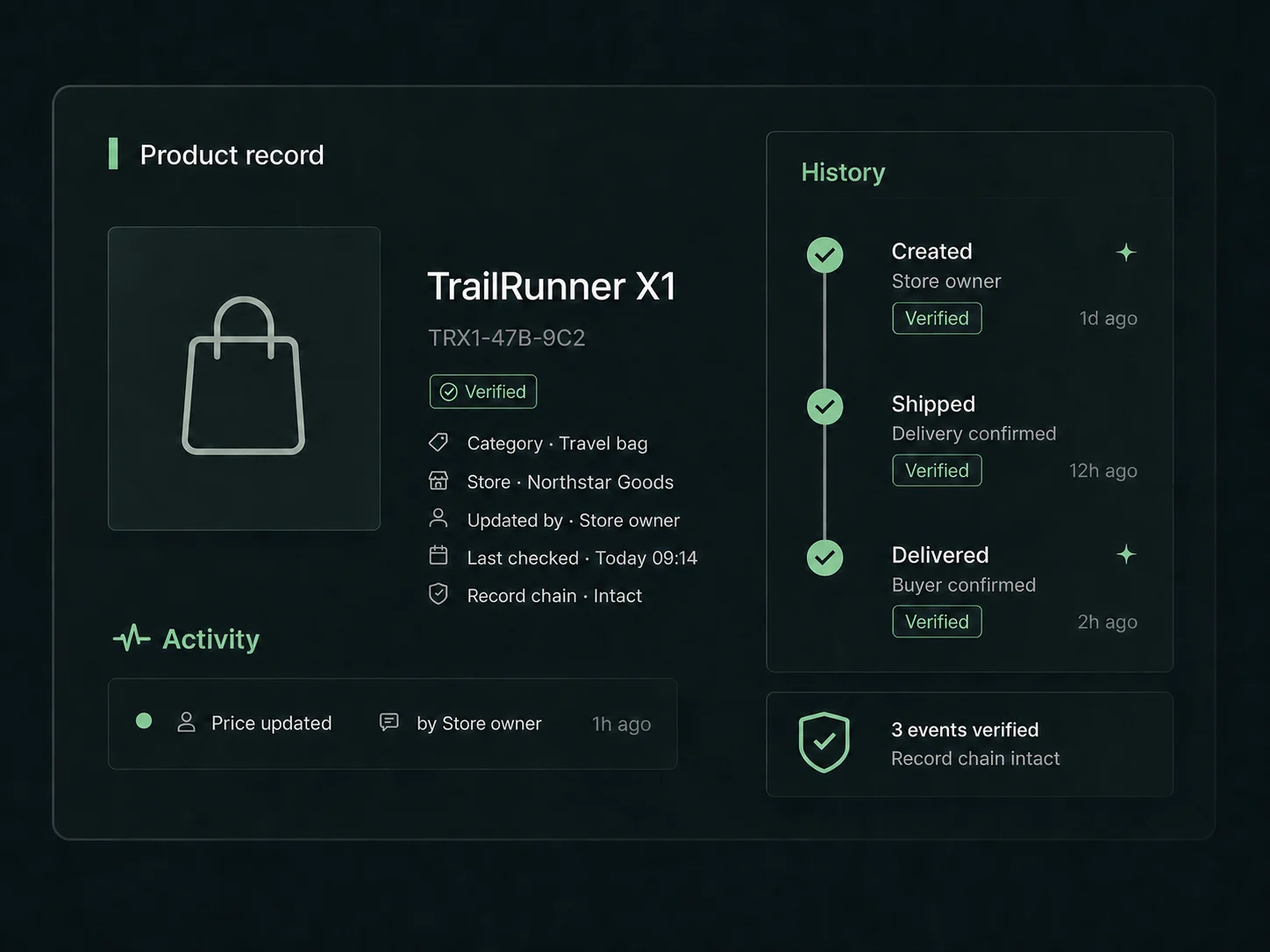
The pressure
What the business cannot afford to lose.
A serious trade relationship weakens when the latest price, approval, invoice, and balance live in different conversations.
What becomes possible
A clearer path for the buyer and the business.
- Keep company-specific pricing and quote revisions traceable.
- Move accepted terms into purchase orders and invoices.
- Preserve who changed what and when the deal moved.
- Review credit and payment context without losing the commercial history.
How it moves
Start with the real business context, then keep it connected.
- 01
Create or connect the company relationship.
- 02
Prepare the quote, agree the terms, and move the accepted work forward.
- 03
Keep the invoice, payment, and trade history attached to the same record.
Common questions
Decide with the important details visible.
Can TradeDesk work without a retail storefront?
Yes. A company can use TradeDesk as a standalone B2B context.
Can a store also use TradeDesk?
Yes. A store can add TradeDesk when it begins handling wholesale or company buyers.
Does TradeDesk replace accounting software?
No. It keeps the commercial workflow and evidence connected and can support the records used by finance teams.
Explore the connected path
Keep the next customer moment from disappearing.
Start with the context the business needs today. Add another only when the work actually requires it.
Create an account